Dual subtitlesdeux langues
Original and translation together, over the picture, sized and placed how you want.
Chrome extension · Netflix & YouTube
apprends la langue que tu regardes déjà
Your player already loaded the subtitles. Couchlingo turns them into something you can actually study — both languages at once, one sentence at a time, every word clickable.
this is the real overlay, running the same cue timings as the extension
. ?
Bonjour. Tu as bien dormi ?
Hover any word in the subtitle. That's the real interaction.
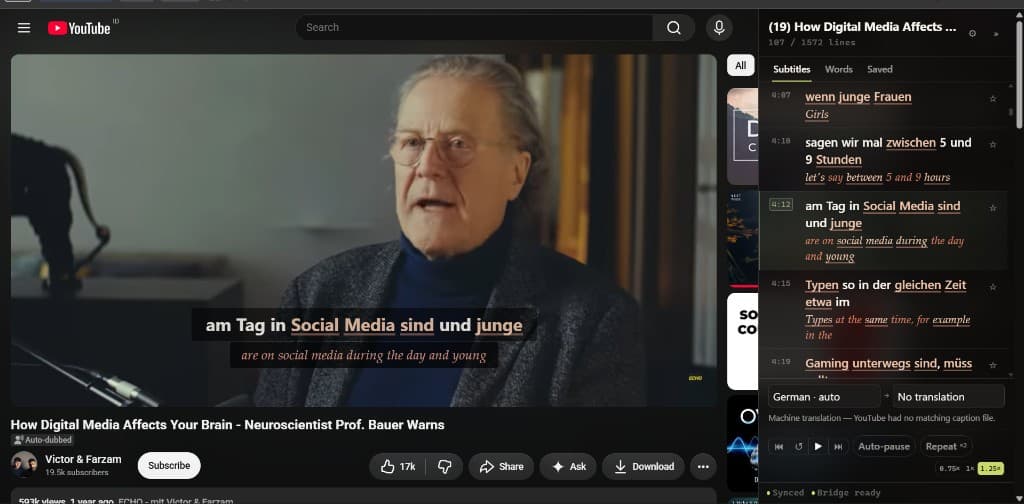
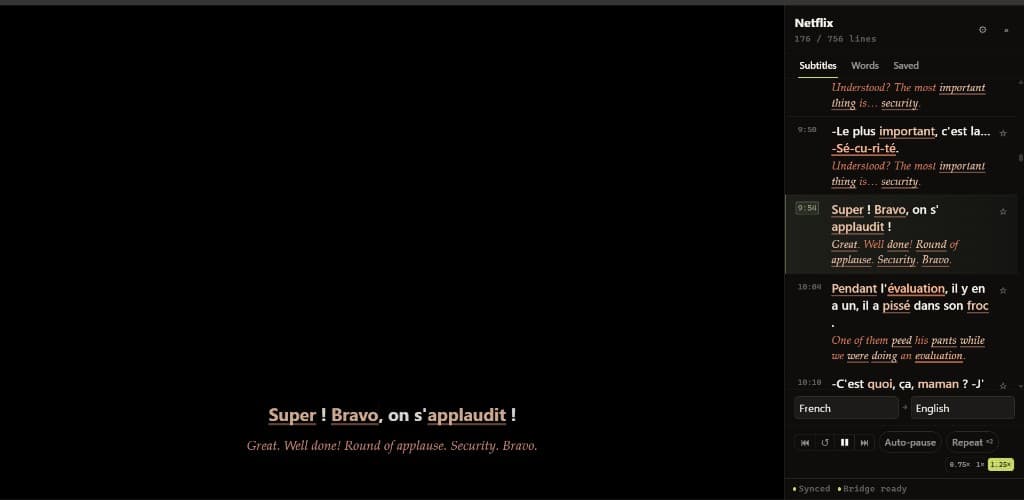
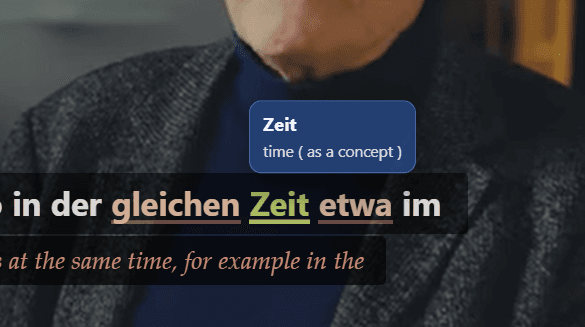
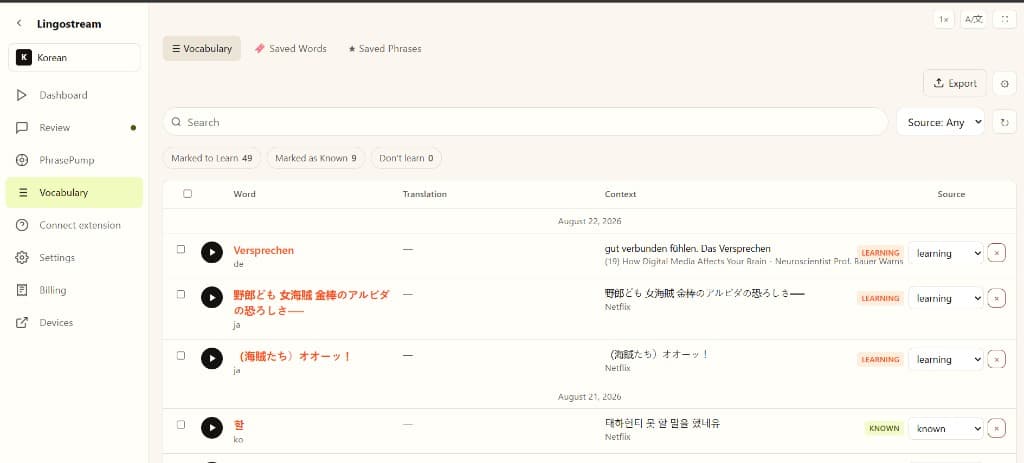
Netflix never hands its captions to the page as text tracks — it downloads them and paints them itself. Couchlingo reads the copy your browser already fetched. Nothing is decrypted, nothing is downloaded, no stream is touched.
Translations are cut differently from the original — one English line becomes two French ones, or the reverse. Couchlingo aligns them by overlap, so a translation never lands against the wrong sentence and never appears twice.
Pause at the end of every line. Replay it three times. Step back one sentence, not ten seconds. Click any line in the transcript to jump there. Click any word to look it up.
Original and translation together, over the picture, sized and placed how you want.
The whole dialogue in a panel. Click a line, the video goes there.
A S D move by line, never by arbitrary seconds.
Stops at the end of every cue so you can repeat it before the next one lands.
Loop a line as many times as you need, at 0.75× when it goes past too fast.
WebVTT, SubRip, TTML, DFXP, timed-text — parsed, cleaned, made safe.
storage and the site addresses it actually runs on.Install the extension in Chrome, then open Netflix or YouTube with captions.